Base Organiser
Sorting hubs for Project Zomboid. Drop your loot in one crate and it puts itself away.
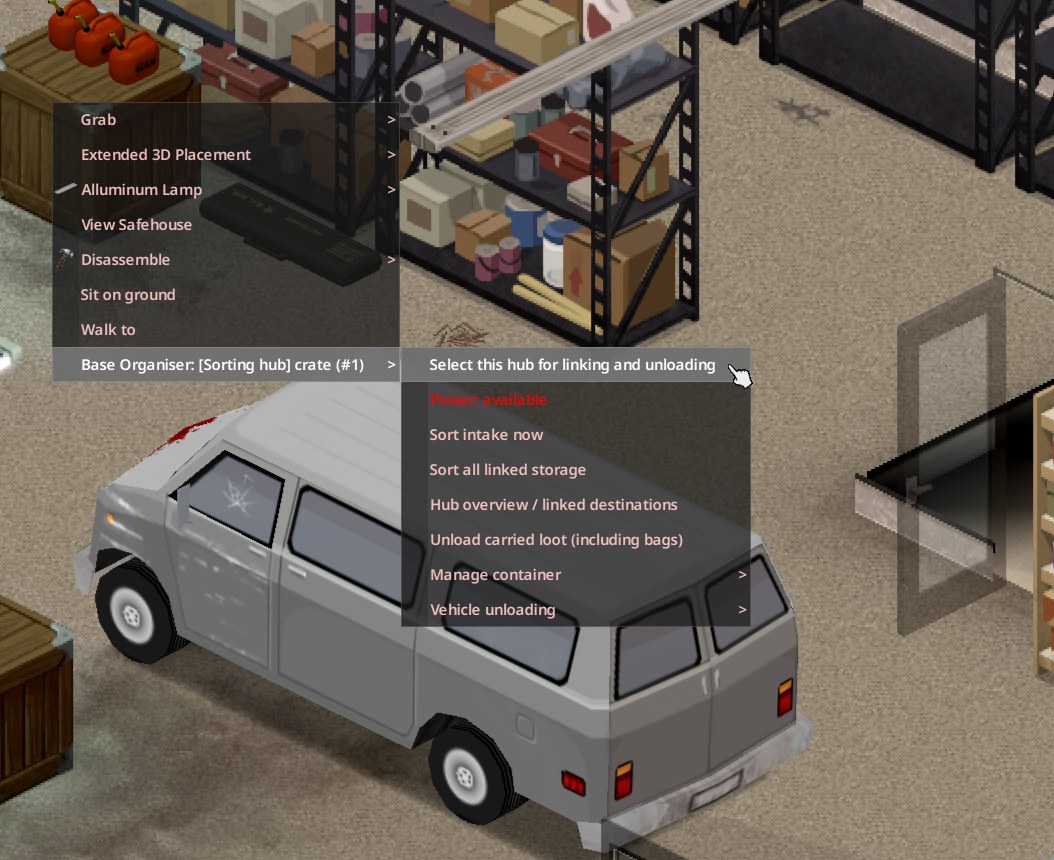
- Project Zomboid Build 42.20
- Dedicated multiplayer
- 0.2.1 beta
- Free
Turn an ordinary crate into a powered sorting hub, link the storage around your base, and tell each shelf what belongs on it. Base Organiser moves loot from the hub, your bags and your vehicle into the right place, and leaves your favourites alone.
Every base ends up the same way: a pile of loot by the door and nobody willing to put it away. Base Organiser gives the pile a job. Link a fridge to perishable food, a shelf to materials and a locker to ammunition, then drop everything in the hub. It uses the game's own furniture, so there is nothing to craft.
Features
One crate in, everything sorted
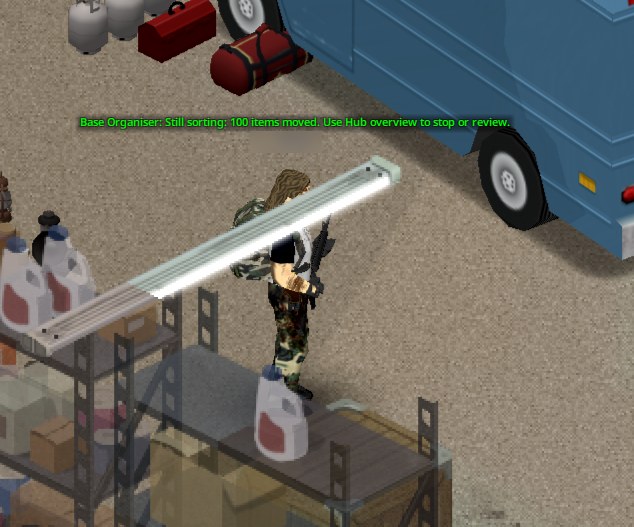
Drop loot in a powered hub and it sorts its intake every two seconds while an authorised player is nearby. Power loss pauses sorting and restoring power resumes it.
Shelves that know what they hold
Link each container to a category such as pantry food, materials or ammunition, or accept several at once. An Overflow shelf catches anything without a home.
Learn from contents
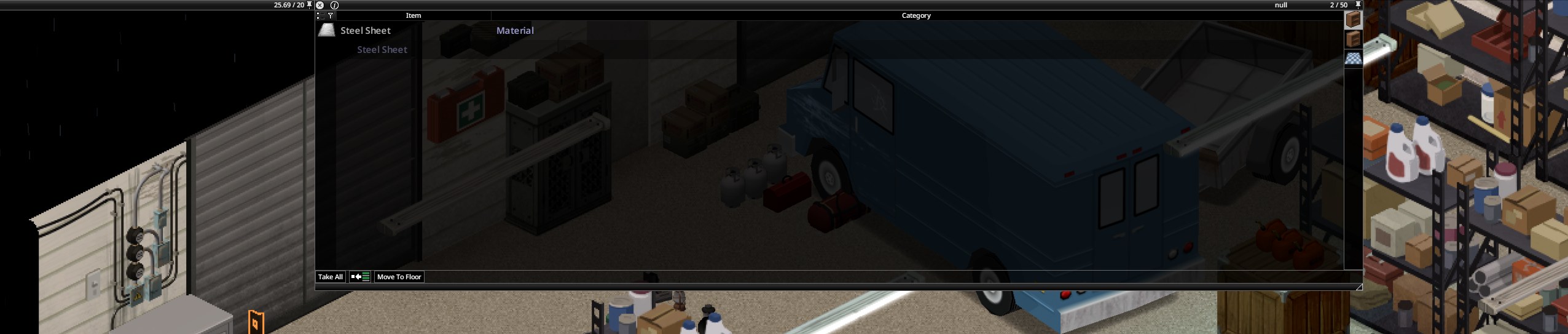
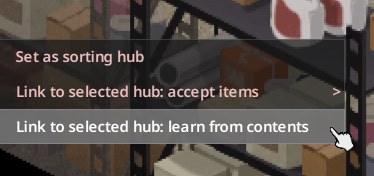
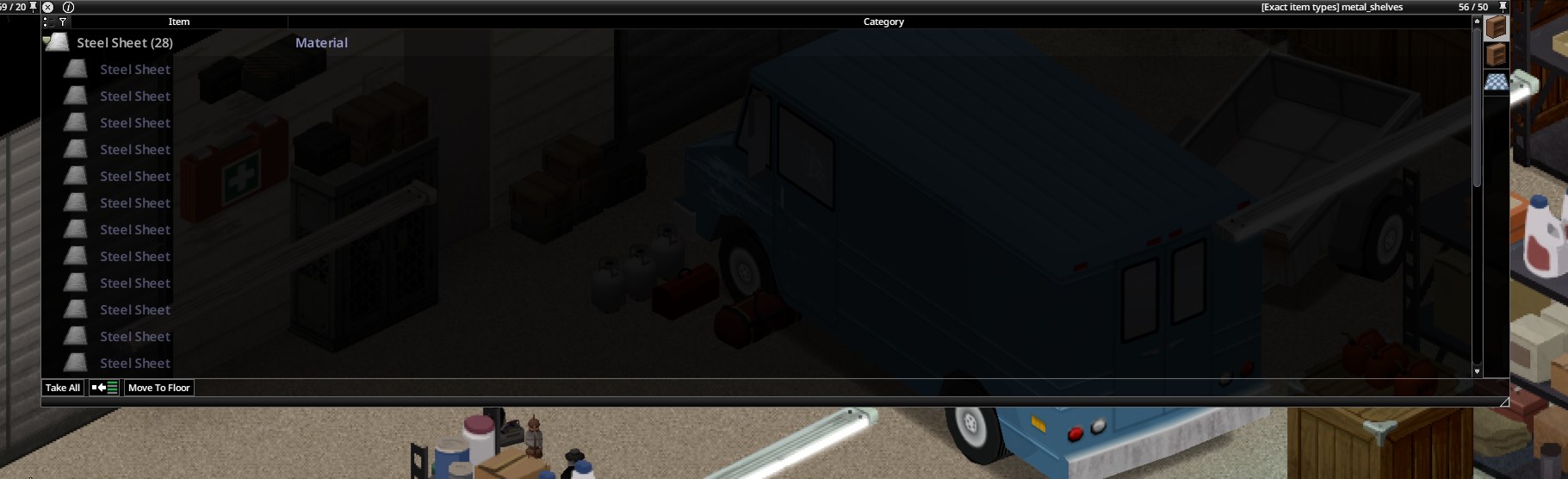
Put a sample in a shelf and let it learn the exact item type. One steel sheet is enough to teach a shelf where every steel sheet goes.
Unload bags and vehicles
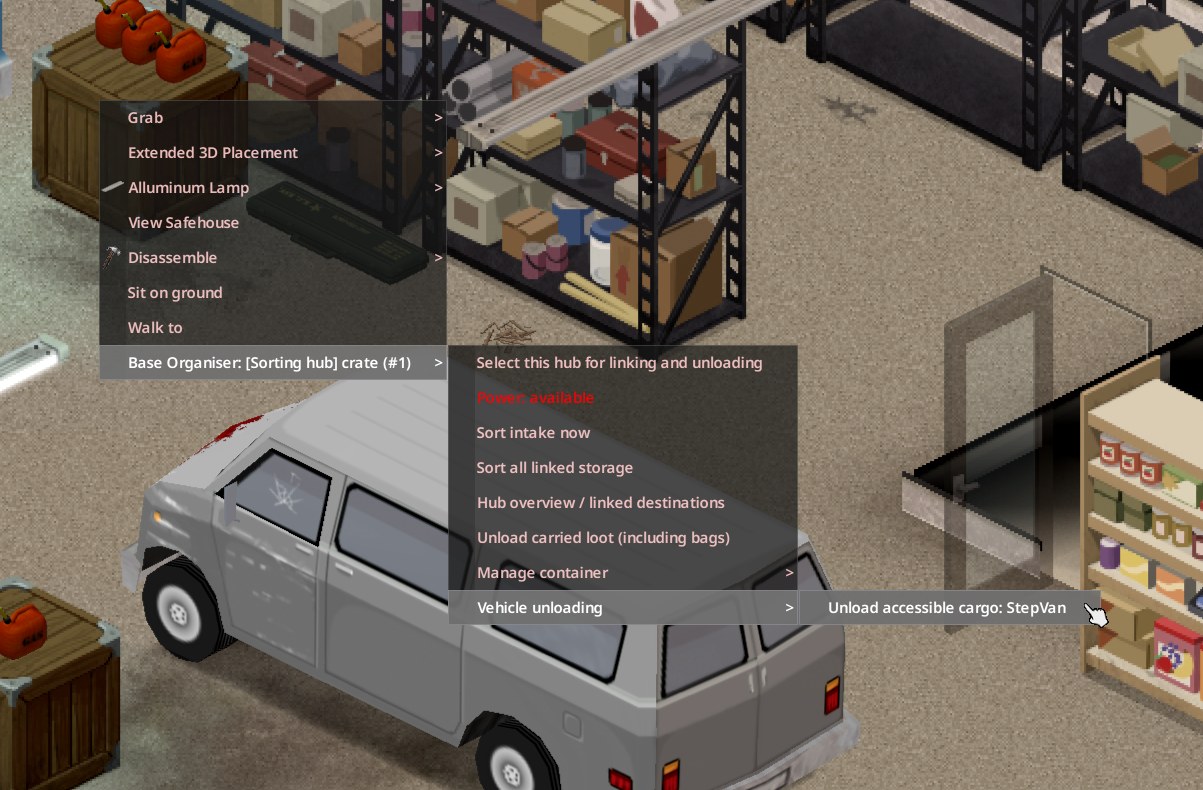
Empty your carried bags into the hub in one action, or unload the loose cargo of a parked vehicle within range, honouring the game's own access rules.
Your gear stays put
Favourited, equipped, attached and active items are never moved. Bags themselves stay where they are.
Bigger base storage, capped
Registered base containers get five times their original capacity by default, capped at 100. Bags and vehicles are unchanged, and removing the registration restores the original size.
Built for shared servers
Only the player who registered a container, or an admin, can change its rules. Everyone else with access can still use it.
Teach a shelf by example
Categories cover most loot. For anything more specific, show the shelf one item and it learns the exact type.
Gallery
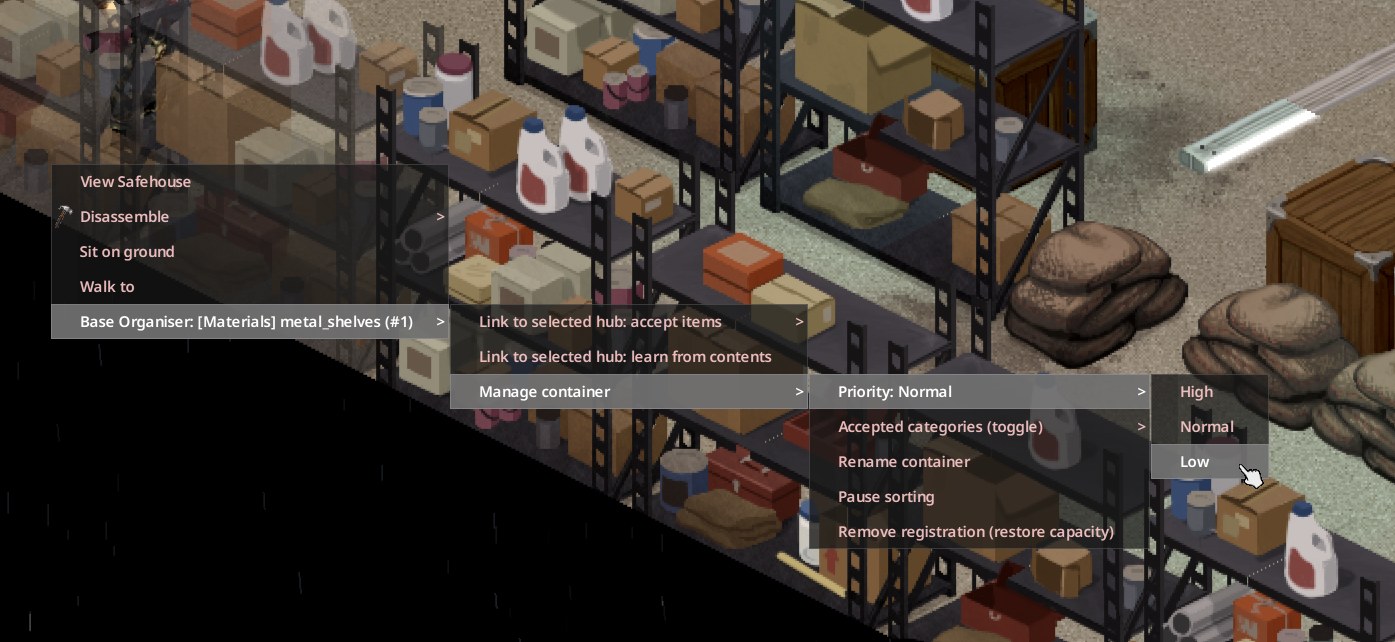
Download
Version 0.2.1 for Project Zomboid Build 42.20. The server and every player need the same version. Keep a backup of your save before adding any mod, and try it on a test save first. A Steam Workshop release is on the way.
Server Setup
Run on the Windows dedicated server. Backs up your data folder, installs the mod and enables it in the server profile you choose.
Download 238 KBBaseOrganiser-Server-Setup-0.2.1.exe
SHA-256 7d5fad3e04c2221d4aaf48f4fd73e61ad67d81a98698f0b4bcc2d54db05abe12Client Setup
Run on each player's Windows PC. Backs up the Zomboid data folder and installs the matching mod files.
Download 237 KBBaseOrganiser-Client-Setup-0.2.1.exe
SHA-256 df4992794025f0fbbaf0fb63a1a93b07539d64e966989ce6fc8c7e9e3a706e8cMod files (ZIP)
For Linux servers, hosting panels and manual installs. Extract the BaseOrganiser folder into Zomboid/mods.
Download 105 KBBaseOrganiser-0.2.1.zip
SHA-256 6e8f176279ec372913e8698c8f122ef54f9f3e95acea18cadba83b61bb51875e
The Windows installers are code signed. Checksums for every file are in SHA256SUMS.
Install
On Windows
Stop the server and close the game.
The installers do not start or stop anything themselves.Run Server Setup on the server.
Pick the Zomboid data folder and the server profile. Setup backs up the folder, checks the backup, installs the mod and enables it in that profile.Run Client Setup on each player's PC.
It backs up the player's Zomboid folder and installs the same version.Start the server, then join.
The manual opens from the installer's Finish page and is saved offline in the mod folder.
Manual or Linux
Extract the BaseOrganiser folder from the ZIP into Zomboid/mods.
On Windows that is %USERPROFILE%\Zomboid\mods, on Linux ~/Zomboid/mods for the account that runs the server. A custom -cachedir moves it. Keep the whole folder, including common and 42.20.Enable the mod ID BaseOrganiser in the server profile.
For a server with only this mod, the Build 42 line is below. Keep your other entries if you already have some.Copy the same folder to every player's Zomboid/mods.
Leave WorkshopItems alone. This release has no Workshop ID yet.
Mods=\BaseOrganiserGet started in game
Stand beside a crate in a powered room and choose Base Organiser then Set as sorting hub.
The hub needs electricity from the grid or a generator.At each shelf, choose Link to selected hub: accept items and pick a category.
Link one container to Overflow as a fallback.Drop loot in the hub.
It sorts every two seconds while you are nearby. Use Sort all linked storage to tidy what is already in the base.
The full manual covers priorities, leftovers, unlinking and troubleshooting.
Server settings
Change these in the Base Organiser section of the sandbox settings, or in the server's SandboxVars file. Power is always required for sorting.
BaseOrganiser = {
    CapacityMultiplier = 5,  -- capped at 100 capacity
    Radius = 30,             -- tiles from the hub
    FloorRange = 1,          -- floors above and below
    ItemsPerPass = 100,      -- items per sorting batch
},
Removing the mod
While it is still installed, unlink each hub's destinations, bring each registered container back under its original capacity and choose Remove registration (restore capacity). That restores the original size and name. Then remove the mod from the server and every player.
Changelog
0.2.1
- Capacity increases stop at 100, and the capacity row is gone from the context menu.
- Learn from contents and exact item rules no longer fail on the game's scripting engine. Relearning a container replaces its old learned item types.
- Author credited as JCR Interactive. Tested in game on a Windows dedicated server.
0.2.0
- High, Normal and Low destination priorities.
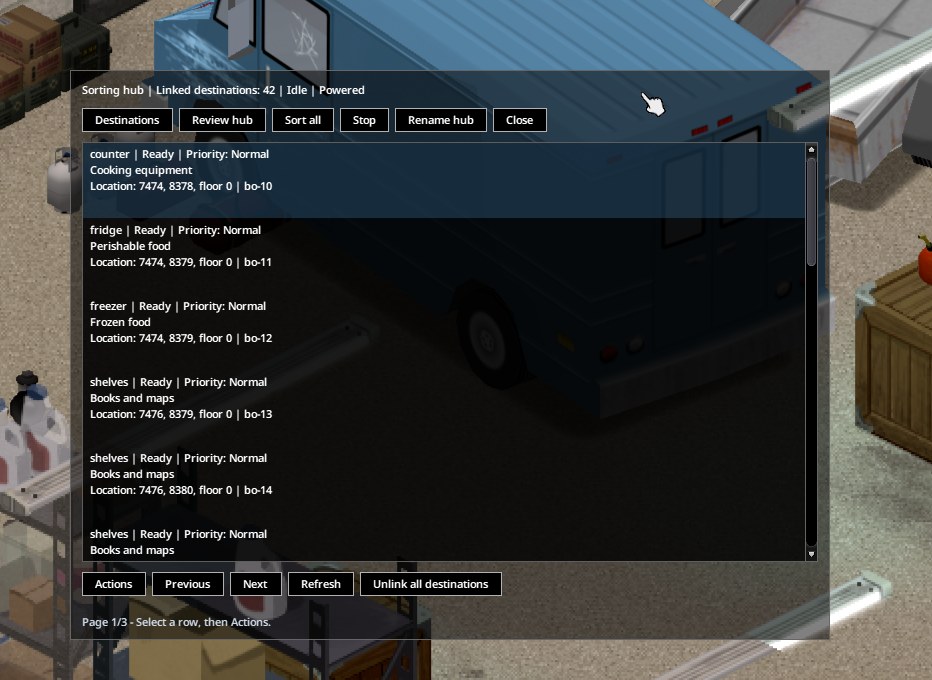
- Hub overview with naming, destination count, status list and management actions.
- Sort all runs in batches until a full pass makes no moves, and can be stopped from the overview.
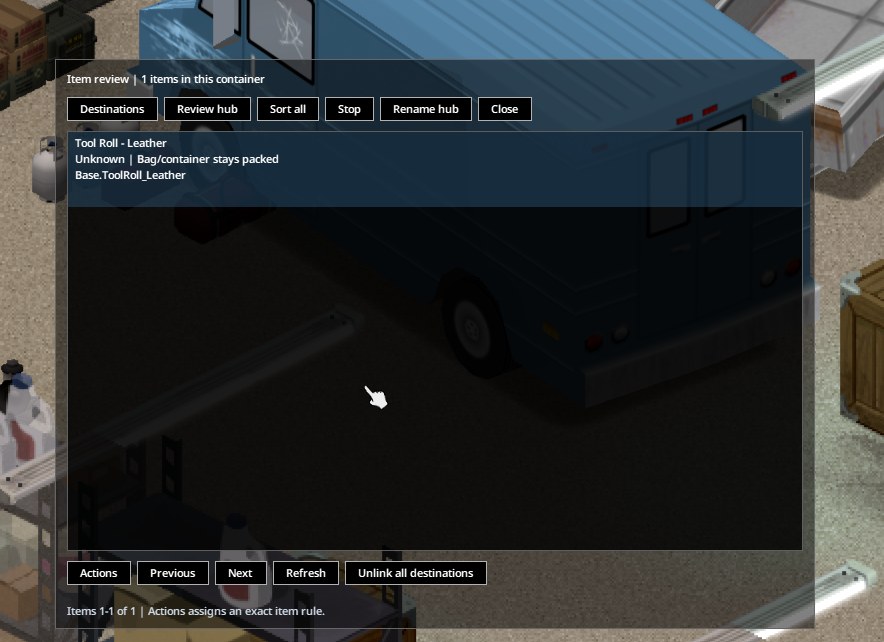
- Item review explains protected items, full or restricted storage and missing matches.
- Several accepted categories per destination.
- Unlink one destination, or all of them, without losing items or capacity.
- Overflow review can assign an item's exact type to a chosen destination.
- An illustrated offline manual opens from the installer's Finish page.
0.1.3
- New labels for drinks and water, lighting and fire supplies, and camping supplies.
- Packaged food can match Pantry. Inspect sorting rule shows how any item is classified.
- Shorter category menus keep Overflow reachable on smaller windows.
Support
Found a bug or have an idea? Email [email protected] with the mod version and the server's console.txt if something went wrong. A person reads every email.